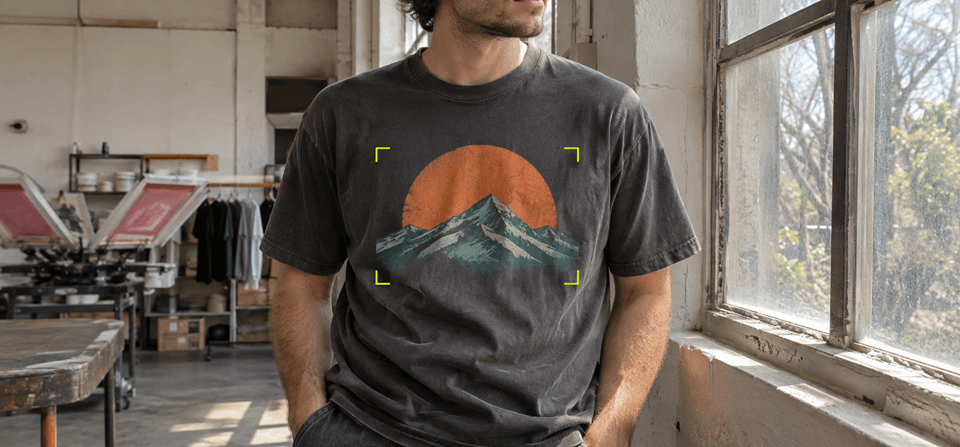
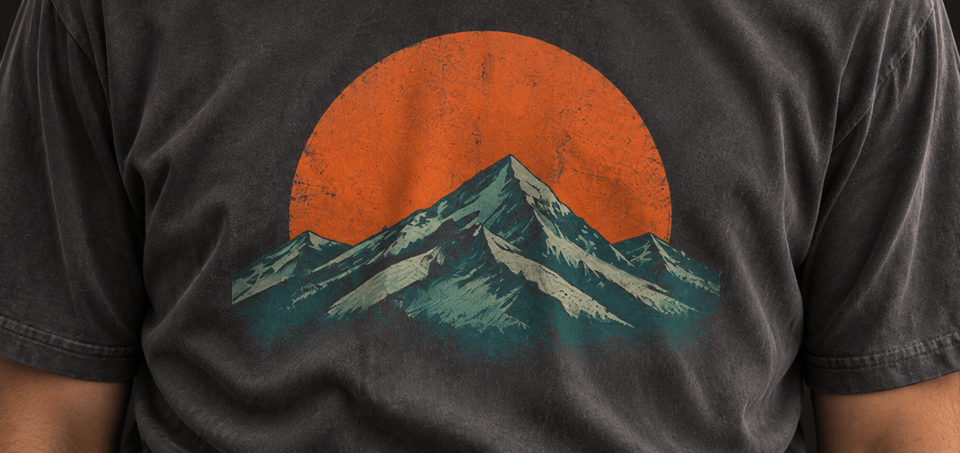
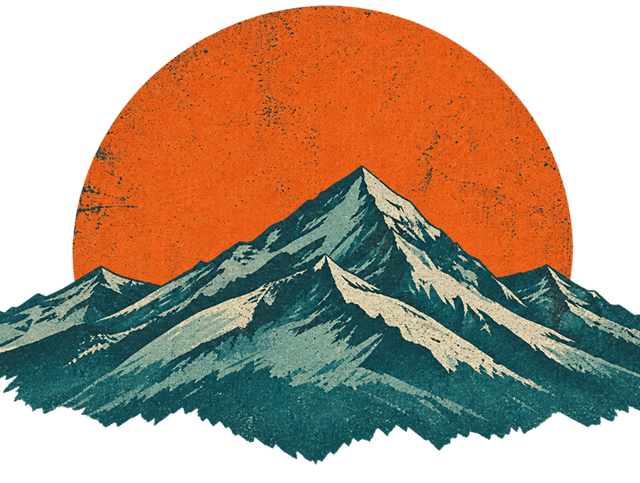
Intelligent recognition
Recognize product types and print layouts, then match the appropriate artwork restoration workflow.
Print artwork restoration
Turn product photos into designs across categories, with smart detection, high-resolution restoration, and support for batch processing and automated production.
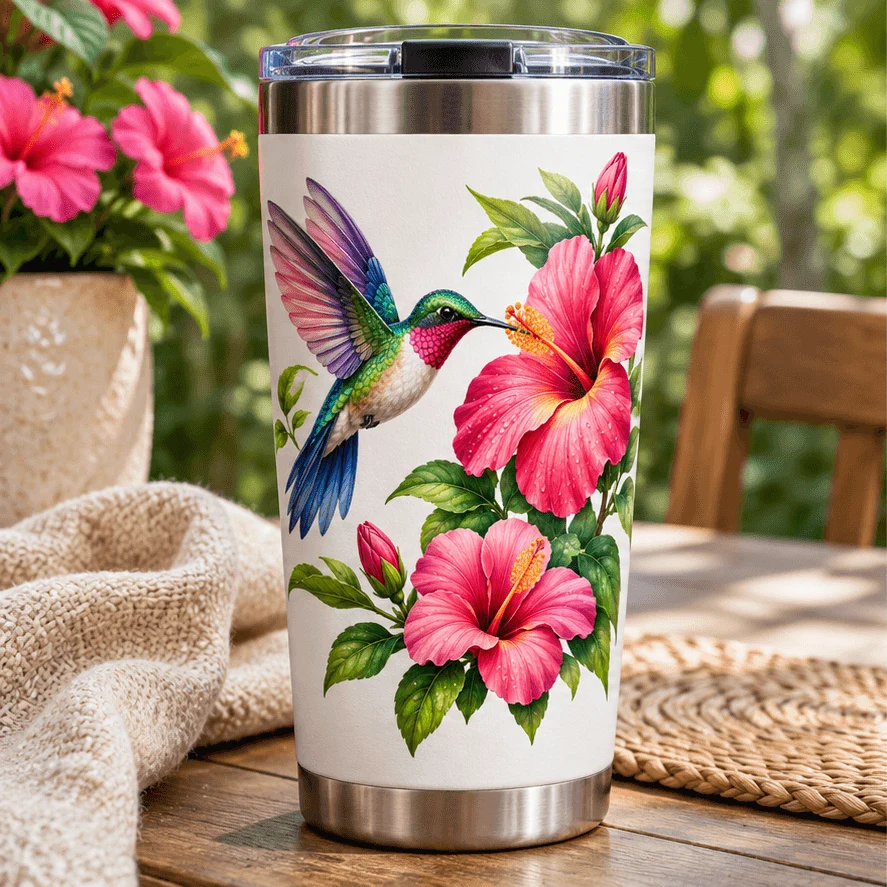
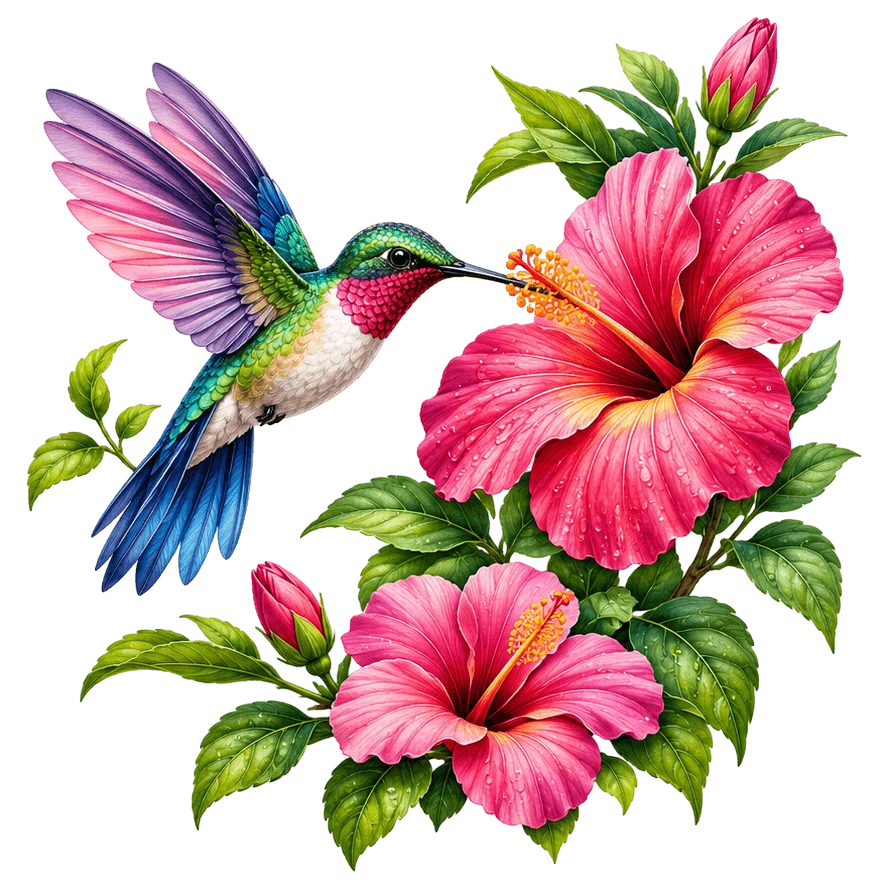
From image correction to final review, a focused workflow built for print businesses.
Start with a product screenshot or photo to capture the composition, color, and detail of the print.
Our image models and plugins work together to match each stage with the right tools and reconstruct the artwork through multiple rounds of verification and comparison.
Verify details against the source and export artwork in the format you need.
Recognize product types and print layouts, then match the appropriate artwork restoration workflow.
Rebuild a straight-on composition from photographed products, correcting skew and surface distortion.
Repair worn, scratched or missing areas of your artwork, using reference images to restore a complete print design.
Refine edges, restore visible artwork details and review lettering against your reference.
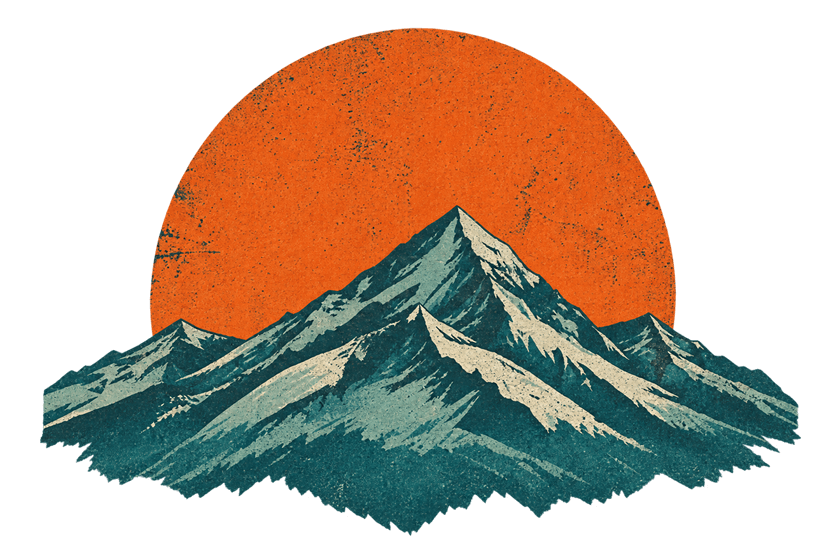
Transparent PNG output when required, with background removal and edge cleanup for your artwork.
Upload multiple images together. Each image is queued and processed independently for an efficient batch workflow.
Upload product screenshots or photos in PNG, JPG, or WebP, up to 10 MB per image.
Yes. Export a transparent PNG or choose a white, black, or custom background.
Yes. Process up to 50 images at a time, then download the results individually or as a ZIP.
Credits are reserved during processing and charged only when a result is generated. Failed jobs release the reserved credits.
Before printing, compare fine text, lines, and edges with the original and check clarity at the intended print size.
Download your results after processing. Expired results are removed under the site cleanup policy.